
Change your email or password
For everyone · 1 min read
Change the email you sign in with, or your password, from Settings › You.
- 1Open Settings › You and scroll to Sign-in and security.
- 2Click Change email to change your email, or Change password to change your password.
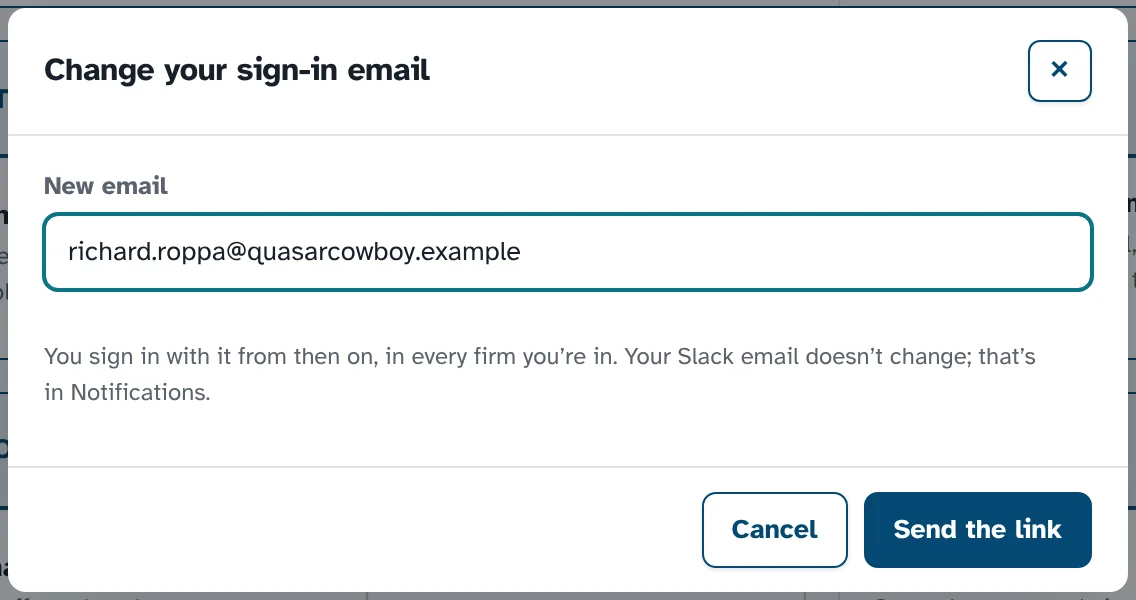
- 3For an email, type the New email. For a password, type it twice (at least 8 characters).
- 4Click Send the link, or Save the new password.
- 5For an email, open the link we send to the new address and click it to finish.
 34
Good to know
- Until you click the link, you still sign in with your old email. If a note arrives at the old address too, click its link as well.
- The new email is for every firm you’re in, and it’s recorded in the audit trail.
- Your Slack email doesn’t change with it; that’s in Settings › Notifications.