
Get notifications in Slack
For everyone · 1 min read
Coming soon. Once your firm connects Slack, get your notifications there as they happen, hourly, or in a daily digest.
> Coming soon: Slack can’t be connected yet. Settings › Integrations says Coming soon until it’s ready; these steps are how it will work.
 1
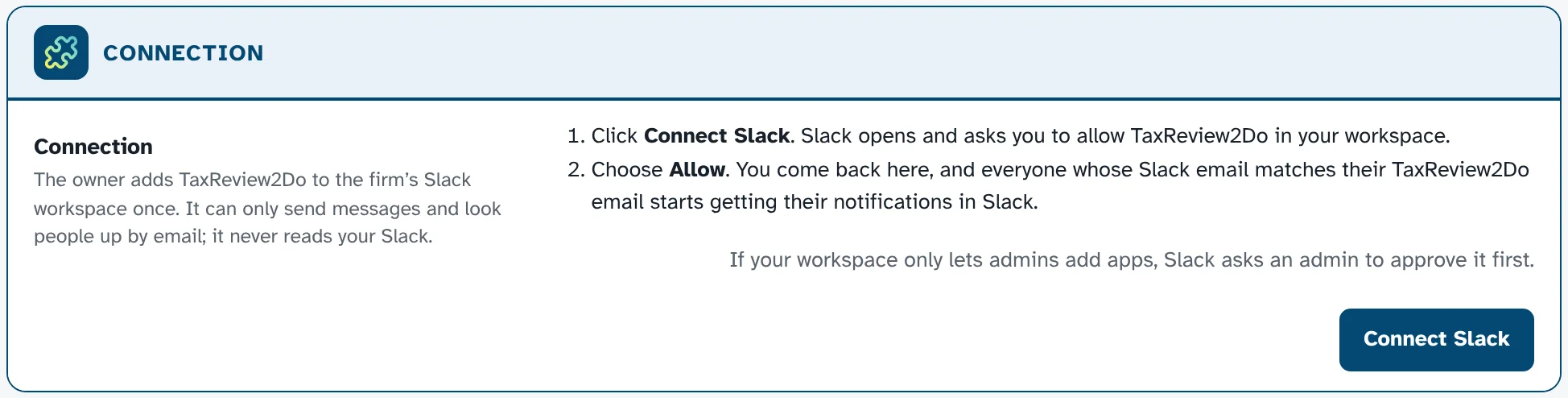
- 1Ask an owner or admin to connect Slack once, in Settings › Integrations › Slack: Connect Slack, then Allow in Slack.
- 2Answer the one-time question about how much you want in Slack. It appears the next time you open TaxReview2Do.
- 3To change it later, go to Settings › Notifications › In Slack and pick How much: What needs me, Everything, Daily digest or Nothing.
- 4Pick When: As it happens, Hourly or Daily, with the time for a daily digest.
- 5Slack can’t find you? Type the email you use there in Your Slack email.
Good to know
- Messages come from TaxReview2Do as a direct message. They name the client, tax year and form and link to the review; never EINs, SSNs, amounts or answers.
- What reaches you on the same page has an In Slack column: each kind Right away, in the roundup, or Not in Slack.
- Want Slack only? Turn off Also in TaxReview2Do; the bell shows a slash and no badge, and still lists everything.
- Quiet hours and Silence hold Slack messages too, and times follow your own time zone.
- The In Slack card only shows once your firm has connected Slack.