
Build your own template
For owners, admins, tax managers and reviewers · 2 min read
Build your firm’s own template, from blank or from a copy of another, and write its sections and questions in the editor.
- 1On the Templates tab, click + Build your own.
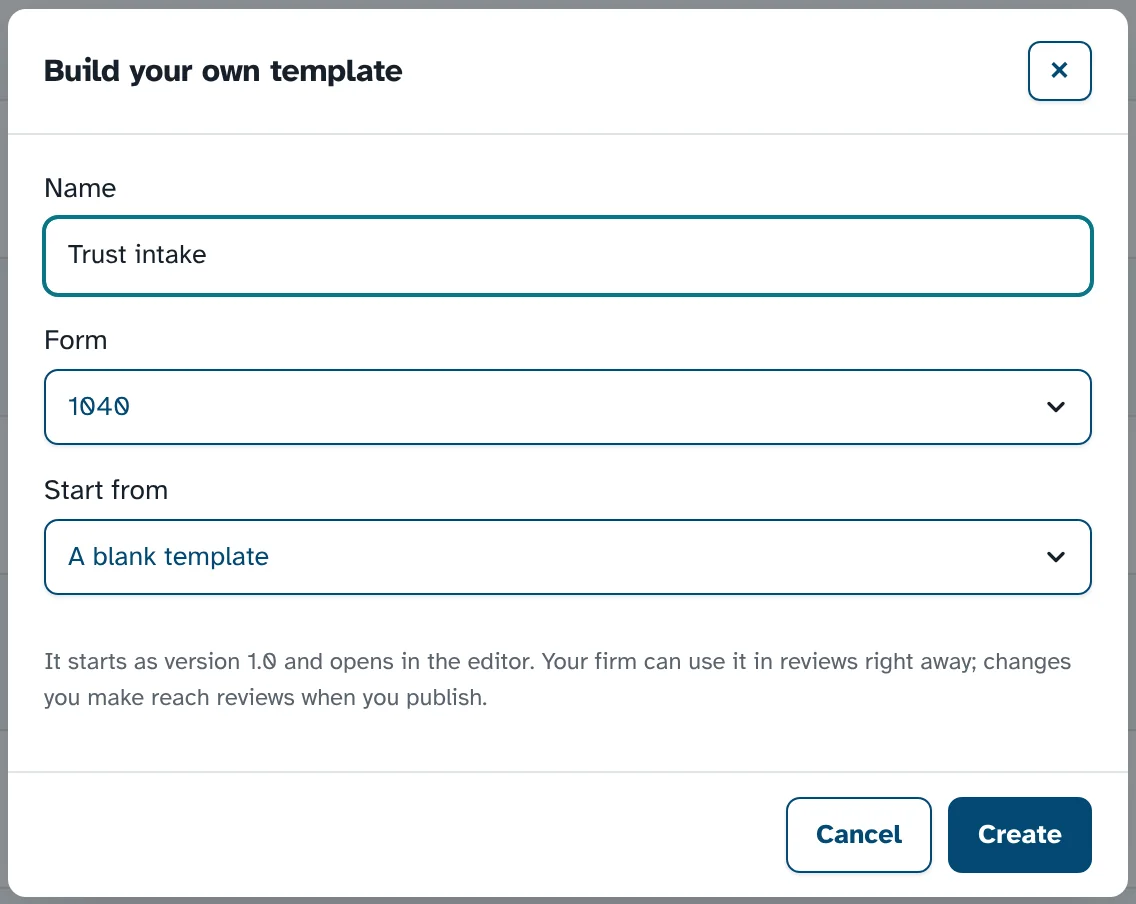
- 2Give it a Name and pick its Form.
- 3Under Start from, choose A blank template or A copy of an existing one.
- 4Click Create. The editor opens.
- 5Add sections with + Add and questions with ⊕ Add a question. Click a question to set its wording, Answer type, choices, Show this question when, guidance, and whether it Must be answered before sign-off.
- 6Click Preview as a review to try it, then Publish it with a note on why.
Good to know
- The draft saves as you go (“Draft saved …” under the name). Discard draft throws away everything since the last version.
- Itemized list questions turn each row into a document to track; a row not received becomes an open item.
- Internal only questions are left out of the workpaper.
- Building and editing templates is for owners, admins, tax managers and reviewers by default, set in Team.
 234