
Hide the screen when someone walks by
For everyone · 1 min read
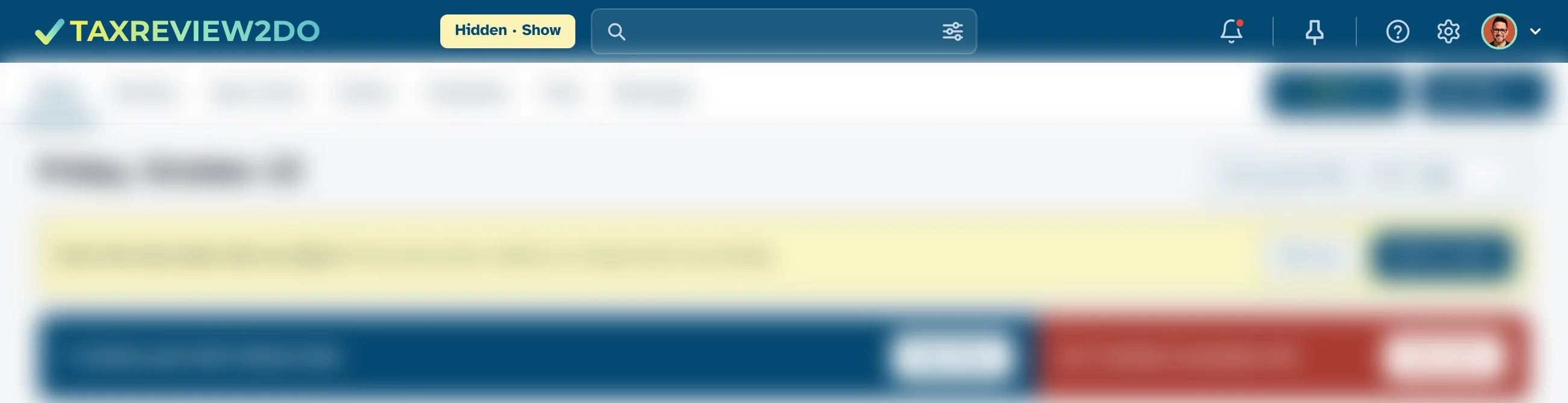
Blur everything under the navy row in one click, so client details can’t be read over your shoulder.
- 1Click your photo or first name at the right of the navy row.
- 2Click Hide the screen. Everything under the navy row blurs.
- 3Click Hidden · Show beside the search box when you’re ready to carry on.
 3
Good to know
- The navy row stays clear, so you can still see the bell and search without showing a client’s return.
- It stays hidden on this computer, even after a reload, until you show it again.
- P never fires while you’re typing in a box. Turn it off, or turn other shortcuts on, in Keyboard shortcuts.
- Your firm may also sign you out after a while away; that’s set in Security and compliance.