
Export all your data
For owners · 1 min read
Download everything your firm put into TaxReview2Do as one .zip of spreadsheets and signed-off workpapers.
- 1Open Settings › Security and compliance.
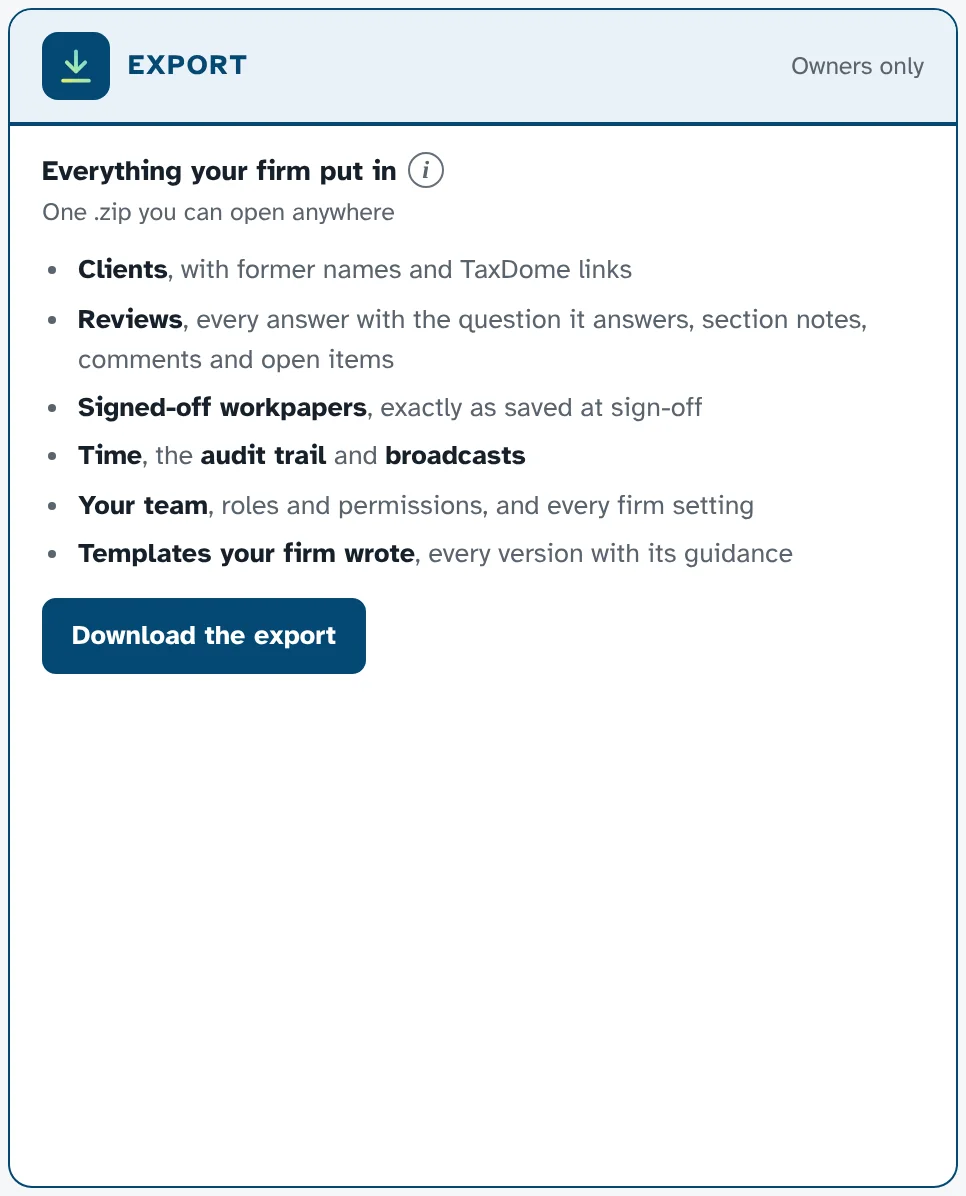
- 2Find the Export card and check what it includes.
- 3Click Download the export. It says how far along it is while it works.
- 4Find TaxReview2Do export Quasar Cowboy with today’s date in your downloads.
Good to know
- Inside: clients (with former names and TaxDome links); reviews with every answer beside the question it answers, notes, comments and open items; signed-off workpapers exactly as saved at sign-off; time, the audit trail and broadcasts; your team, roles and permissions and every firm setting; and templates your firm wrote, every version.
- Not inside: the library templates’ questions and guidance, which belong to TaxReview2Do, and each person’s own preferences. A README in the .zip explains every file.
- It’s made on your computer; nothing is sent anywhere.
- Only owners can download it, and each export is recorded in the audit trail.
 23