
Send a review back to the preparer
For owners, admins, tax managers and reviewers · 1 min read
Send a review back to the preparer with one note per fix; each note becomes an open item for them.
- 1Open the review while it’s Reviewing.
- 2Click ⊕ Action at the top right, then Send back… (on the Sign-off tab it’s beside Sign off).
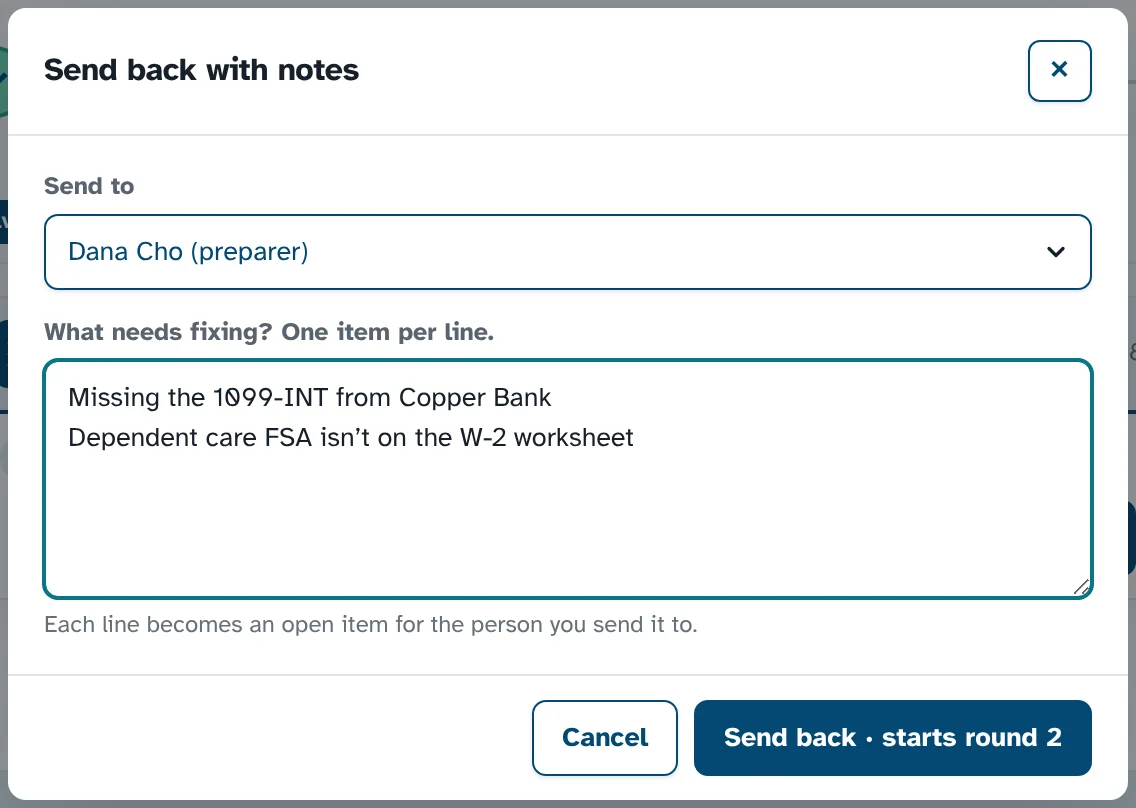
- 3Write one note per line. Each line becomes an open item for the preparer.
- 4Click Send back · starts round 2. The review goes back to Preparing, and the preparer gets a notification.
Good to know
- Rounds have no limit. The review shows Round 2, Round 3 and so on, and the workpaper keeps every round.
- The notes are ordinary open items, so the preparer resolves each one with what they did.
 34