
Update to a new version
For everyone · 1 min read
We improve TaxReview2Do often; a new version loads at a quiet moment, or when you click Update now.
- 1Click Update now when the yellow bar says “TaxReview2Do to everyone: a new version is ready”. The ✕ waits; your menu then shows Update available.
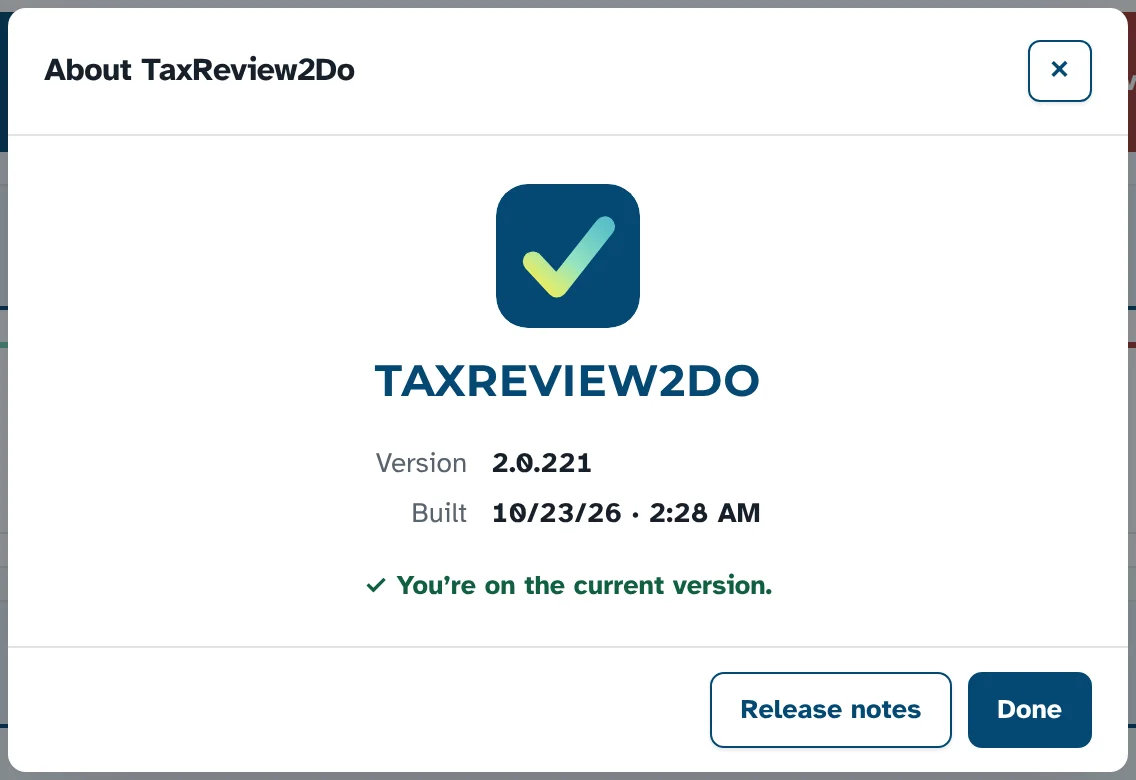
- 2To check yourself, click your photo or first name, then Check for updates. About TaxReview2Do shows your version, when it was built, and whether a newer one is out.
- 3Click Update now there, or Done if you’re current. Release notes shows what changed.
- 4Choose how updates arrive in Settings › Apps and integrations › Automatic updates: Automatically or Ask me first.
Good to know
- Updating reloads the page you’re on. Anything already saved stays.
- Automatically loads a new version when the window is in the background, or nothing has been touched for two minutes, and never while you’re typing.
- While TaxReview2Do is in beta, every new version shows the yellow bar, whatever you’ve chosen.
- The Messages app updates the same way; About shows whether it’s on the same version.
 23