
Keep track of documents to collect
For owners, admins, tax managers, tax admins, reviewers, preparers and data entry · 1 min read
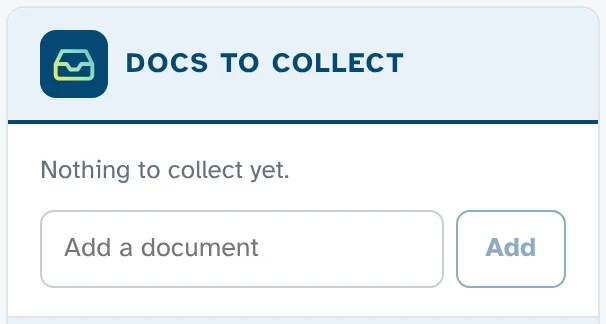
Every review has a Docs to collect list at the top of its right-hand column. Add what’s still to come, check it off when it arrives, and copy the list to send your client.
- 1Open a review. Docs to collect sits at the top of the right-hand column, the same on every section.
- 2Documents from the documents questions show here on their own; click From 2.3 to go to the question.
- 3To add one, type its name in Add a document and press Enter. Your firm decides what goes on the list.
- 4When it arrives, check it. It stays on the list, crossed out, with who and when.
- 5Click the copy icon beside “still to collect” to copy the list as bullets, names only, ready to paste into an email to your client.
Good to know
- Names only: no files, and nothing about where a file is kept.
- Removing one you added asks why; the reason goes in the audit trail.
- Sign-off waits until each document is collected, or removed. The list prints on the workpaper’s cover.