
Turn Messages on or off
For owners, admins and tax managers · 1 min read
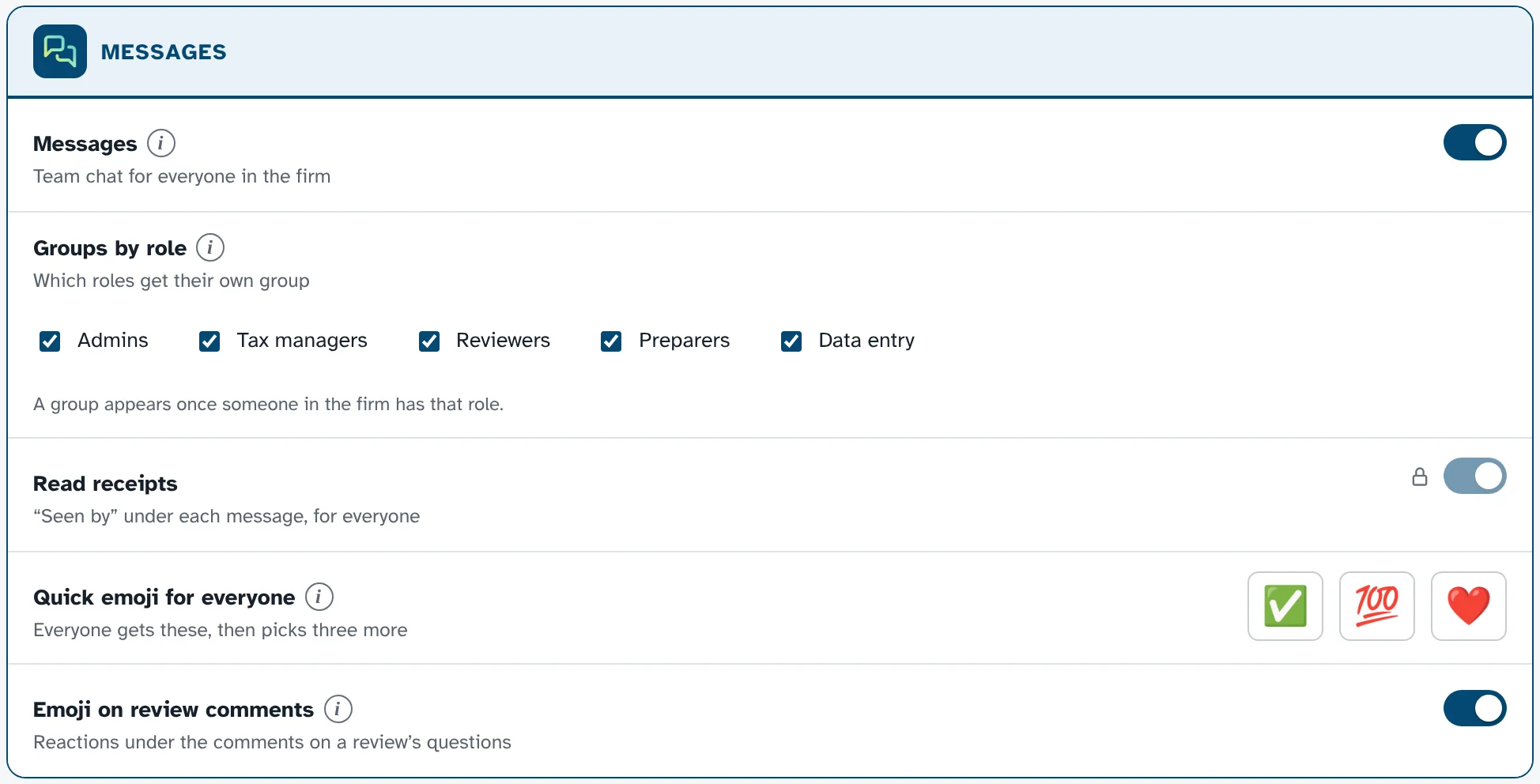
Turn the firm’s team chat on or off for everyone; review comments and broadcasts stay either way.
- 1Open Settings › Messages and broadcasts.
- 2Click the Messages switch.
- 3Turning it off asks first: click Turn messages off. Turning it on happens right away.
 2
Good to know
- Off hides every trace of Messages for everyone: the tab, the bell’s Messages tab and badge, pop-ups, auto-reply, the Messages app and its settings.
- Review comments, @mentions in reviews and broadcasts keep working.
- Conversations so far are kept and come back when it’s turned on again.
- Owners, admins and tax managers can change it; it’s a firm decision, so there’s no per-person off. Each change is in the audit trail.
- The same card sets Groups by role and the firm’s three quick emoji, and whether review comments take emoji.