
Take over editing from someone
For owners, admins and tax managers · 1 min read
Take a review from someone who left it open, so you can make changes now.
- 1Open the review. The banner says who is editing it and since when.
- 2Click Take over editing in the banner.
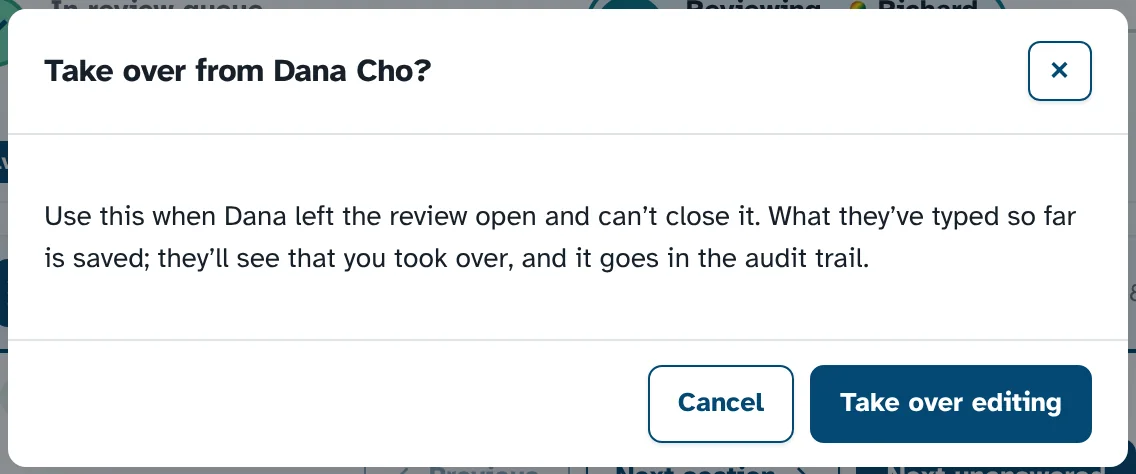
- 3Click Take over editing again to confirm. You’re now the review’s editor.
 3
Good to know
- Owners, admins and tax managers see Take over editing. Everyone else waits, or asks one of them.
- What the other person typed before you took over is saved.
- They see a yellow banner saying who took over and when, and they can keep reading.
- Taking over goes in the audit trail.
- Often you don’t need it: the review frees up on its own after 15 minutes without typing, or about 2 minutes after their browser closes.