
Mark a question not applicable
For owners, admins, tax managers, reviewers and preparers · 1 min read
Mark a question N/A with a short note saying why, so it counts as answered and stops blocking sign-off.
- 1Open the review. On the Questions tab, find the question that doesn’t apply.
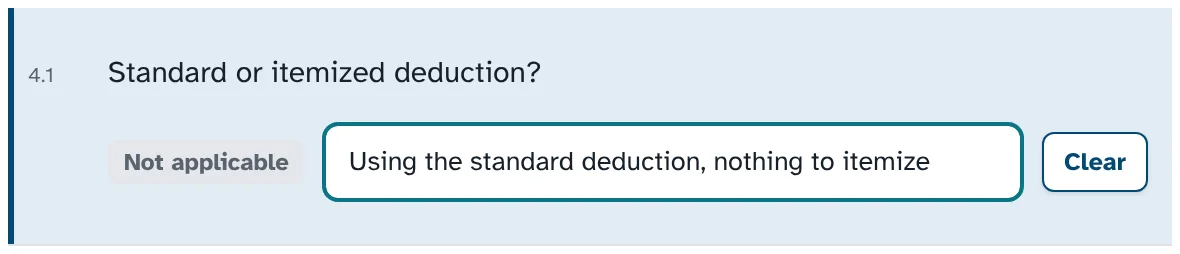
- 2Click N/A at the end of its line, then type why in the box that opens. It saves when you leave the box.
- 3The question now shows Not applicable and counts as answered. To answer it after all, click Clear.
 23
Good to know
- The Sign-off tab has N/A too, on each row of Applicable questions not answered. To add the why afterward, click the row to go to the question.
- A question marked N/A hides its follow-up questions, like answering No would.
- The Sign-off tab’s Answered questions and the workpaper show “Not applicable” with your note.
- It’s saved like any other answer, so you can’t mark one while someone else is editing the review.